

 Reachlee

Reachlee
for Claude Code.
Add Reachlee to Claude Code with one command. Pull reports, build automations and export leads without leaving the terminal.
claude mcp add --transport http reachlee https://www.reachlee.co/api/v1/mcp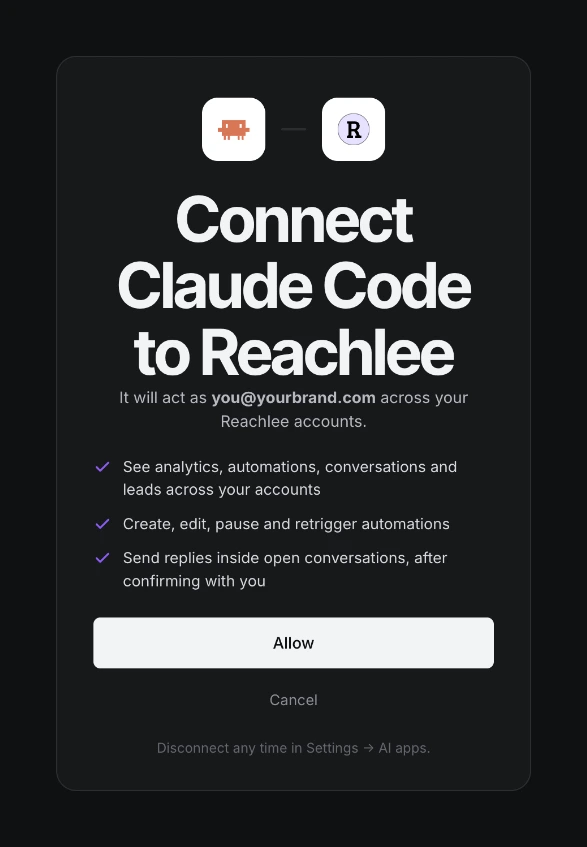
Connect Claude Code.
About a minute.
$ claude mcp add --transport http reachlee https://www.reachlee.co/api/v1/mcpAdd the server
Run this once in your terminal.
› /mcpAuthenticate
Start Claude Code, type /mcp, choose reachlee and pick Authenticate. Sign in and click Allow.
Ask
Write what you need in your own words. Claude Code picks the right Reachlee tool and asks before anything changes.
What to ask Claude Code.
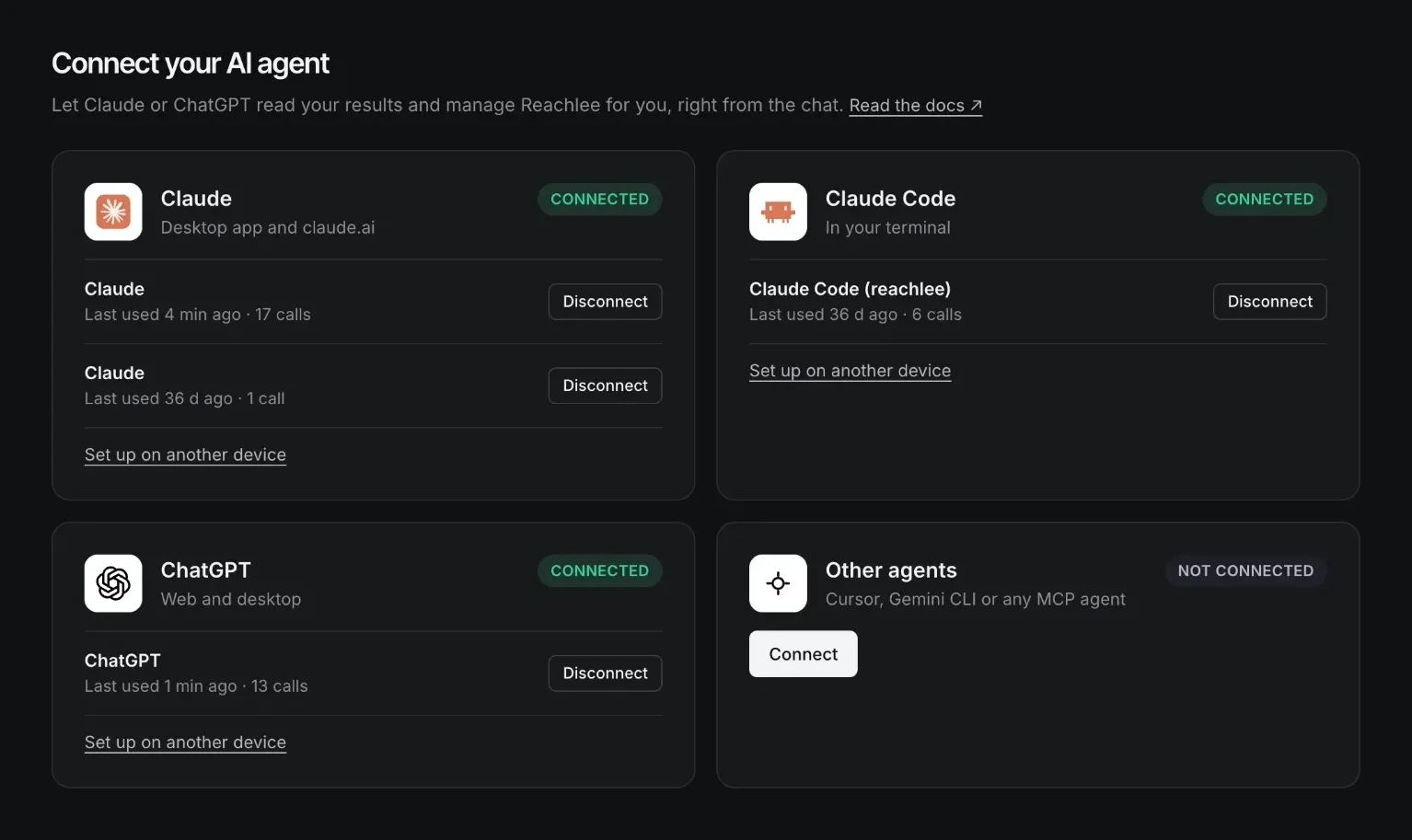
See every device that's connected.
Each computer you run the command on shows up in Reachlee under Settings → AI apps, with when it was last used. Disconnect one without touching the others.
Ask in your own words.
16 tools do the rest.
You stay in control.
- 01
Sign in with Reachlee
You approve access on Reachlee's own page with Google. The assistant never sees a password or an API key.
- 02
It asks before changes
Reading runs right away. Sending a message, a Retrigger or changing an automation is previewed and confirmed with you first.
- 03
Instagram's rules still apply
Every send goes through the same checks as the app: replies only to people who wrote first, inside the 24-hour window.
- 04
Disconnect any time
Every connected assistant is listed in Settings → AI apps. Disconnect one and its access stops immediately.
Claude Code questions
Does each computer need its own connection?
Yes. Each machine is its own connection and appears separately under Settings → AI apps.
Will it change things without asking?
No. Claude Code respects the tool annotations: read tools run freely, tools that change something ask first.
 Cursor
 Gemini CLI
 Instagram
